

Updated for 2026: This guide has been fully refreshed with 25 of the best apps for people with disabilities—including new accessibility tools, AI-powered apps, and updated picks that actually work in real life.
There’s an app for almost everything these days. I’m by no means a techy (I couldn’t move past level one in Ms. Pac-Man and flunked high school typing), but to keep up with my kids and let’s be honest, life in general, I’ve evolved into an app connoisseur of sorts.
With the help of my besties, Alexa and Siri (and now a little AI magic), I’ve downloaded, tested, and deleted hundreds of apps over the years. I try to stay up to date on the latest ones that help me look and feel my best as a mom, wife, and woman living with disabilities.
What follows is a list of apps I’m loving and think will be helpful and even life-changing for others with disabilities.
Most of the apps are completely free, and some charge a small fee for upgraded or premium features.
I’m not getting commission (or anything) if you choose to download any of my recommendations. Also, note that the list below isn’t in any specific order and is based on the opinion of a non-practicing therapist and blogger, not a doctor (so, you know… don’t sue me).
You can check them out in more detail by clicking on the bolded text below:
The “Help Me Remember My Life” Apps
Many of us with chronic conditions understand all too well what brain fog is. We’ve all been there, struggling to remember if you took your medication or spending 20 minutes looking for the reading glasses that were actually on your head the whole time. It can be exhausting!
If you struggle with brain fog, then this is a great app to have as it helps you better manage and remember all those little things (and the big ones) you tend to forget. It syncs across your devices, making it easy to keep everything in one place, whether it’s daily tasks, reminders, or shared lists. Download it for free here.
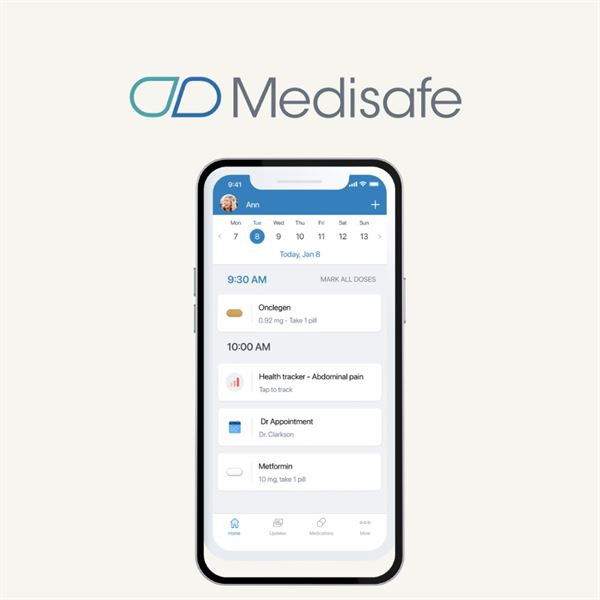
People with chronic conditions and illnesses often have a lot of prescriptions to keep track of. While I don’t personally use this app, it comes highly recommended by a friend of mine who struggles with remembering to take her medications and refill them due to brain fog from MS.
Medisafe is a simple, easy-to-use app that helps you stay on top of your medications. It can send reminders when it’s time to take your pills, track your prescriptions, and even alert you when it’s time for a refill. It’s also helpful for caregivers, since you can manage multiple people’s medications in one place.
Download Medisafe for free here.
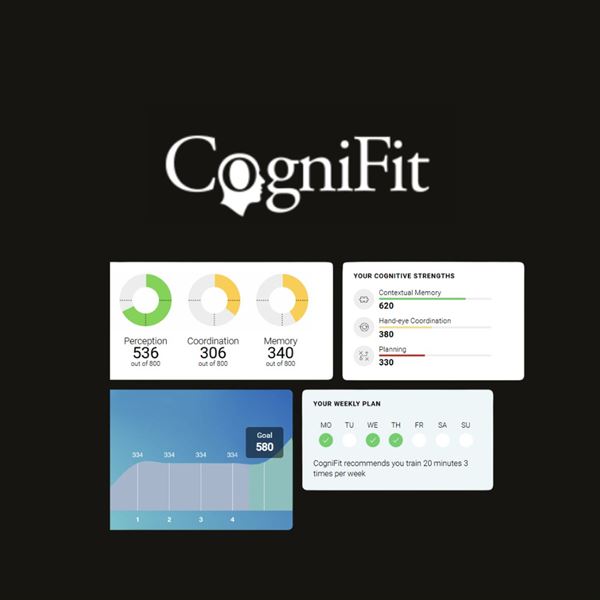
The CogniFit app offers a variety of brain exercises designed to help with things like memory, focus, and that all-too-familiar brain fog. It’s a simple way to keep your mind active and work on cognitive skills in a way that feels more like a game than a chore.
You can also take assessments to get a better sense of your cognitive strengths and areas to work on, and there are options for different age groups if you want to share them with your family.
Download CogniFit here
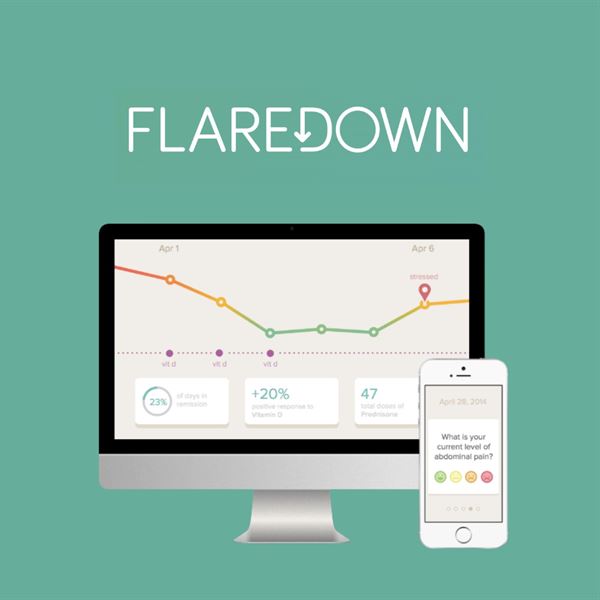
Flaredown was created for people with chronic illnesses as a way to track symptoms, medications, treatments, and reactions, as well as identify triggers and connect with
others who have similar conditions. The app prompts you to check in daily, making it easy to keep track of how you’re feeling and what might be affecting your health.
You can also log things like what you ate, the weather, and daily activities, which can be really helpful when trying to spot patterns over time.
Download Flaredown for free here.
The “Getting Out Into the World” Apps
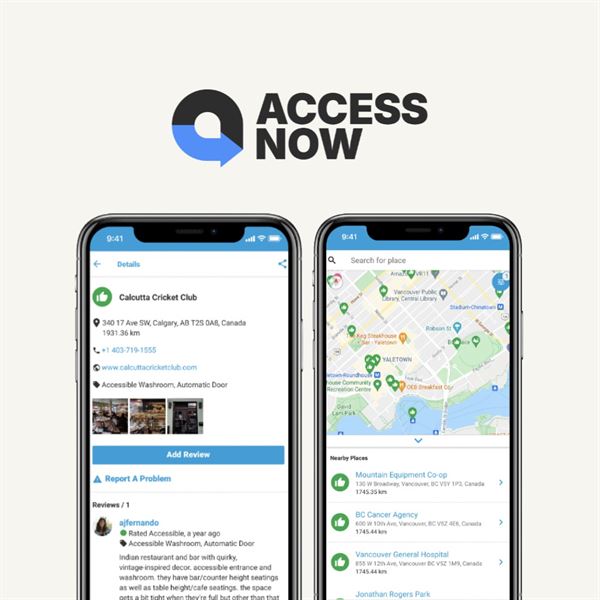
With Access Now, you can look up places like restaurants, museums, bars, stores, and attractions and quickly see if they’re accessible for people with physical disabilities.
The app uses users’ real experiences to share accessibility details and places pins on a searchable map, with color codes indicating the level of accessibility. You can also filter by things like location, type of business, and accessibility needs, which makes planning outings a lot easier.
Download Access Now for free here.
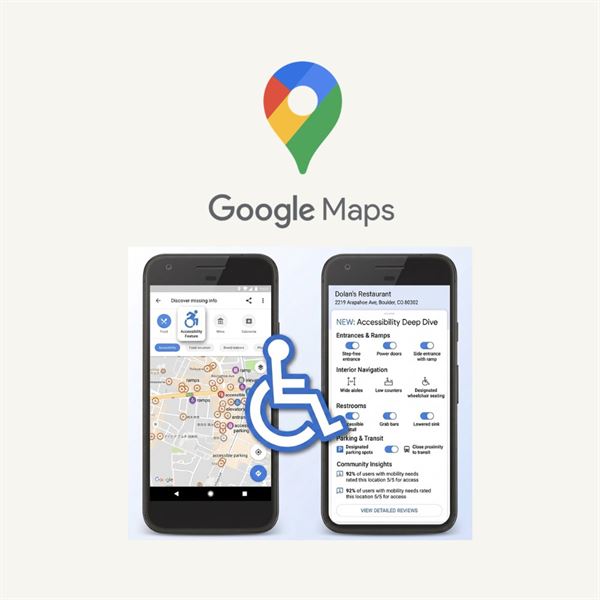
Google Maps is one of those apps most of us already have, but it’s also incredibly helpful when it comes to accessibility. In addition to directions, traffic, and transit info, it can help you find places that are easier to navigate if you have mobility challenges.
You can turn on the “wheelchair accessible” option when planning a route to see step-free paths, accessible entrances, and other helpful details. It can also give you a better idea of things like elevators, seating, and restrooms before you even get there.
It’s a simple tool, but one that can make getting around feel a lot less stressful. Download Google Maps for free here.
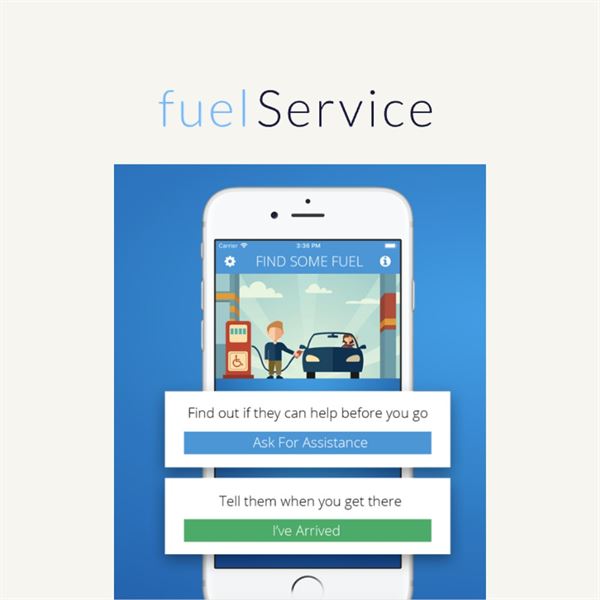
Here at Trend-Able, we’re all about getting up, getting out, and not letting your disability prevent you from living life to the fullest. This app helps drivers with disabilities find and get assistance with pumping gas, checking tires, and more.
You can use the app to search for a nearby gas station using the list or map view. It will contact the station ahead of time to see if they can assist you, so you’re not left guessing when you arrive. Once you get there, the app notifies the attendant and even gives you an estimated wait time. It also includes ratings, which makes it easier to choose places that provide great service.
Download FuelService for free here.
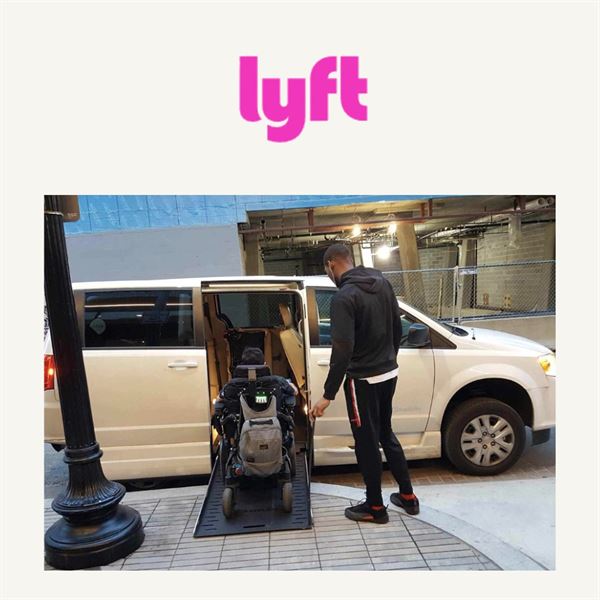
Lyft and Uber are great apps for getting around, especially for people with physical challenges. I use them often when traveling, and even at home when I don’t feel like driving. While I have both apps, I tend to use Lyft more and have had really good experiences with it.
If you need a wheelchair-accessible vehicle (WAV), Lyft offers an “Access” ride option in certain areas. These rides are designed to accommodate wheelchairs and other mobility devices. There’s also an assisted ride option where a driver can help you get in and out of the vehicle and even walk you to your destination if needed.
Lyft is also service-animal friendly, which makes it even more convenient and accessible. Download Lyft here.
Uber is a great app for getting around, especially for people with physical challenges, chronic pain, or limited energy. There are days when driving, parking, and walking from a faraway lot can feel like a whole event before you even get where you’re going.
Uber can make life a lot easier by letting you request a ride in just a few taps and get picked up where you are. You can track your driver in real time, avoid the stress of navigating traffic yourself, and save your energy for wherever you actually need to be. In some areas, there are also accessible ride options depending on availability.
Whether you’re traveling, heading to appointments, or just not up for driving that day, it’s one of those apps that can make life feel more manageable.
Download Uber here.
The “Take Care of My Body” Apps
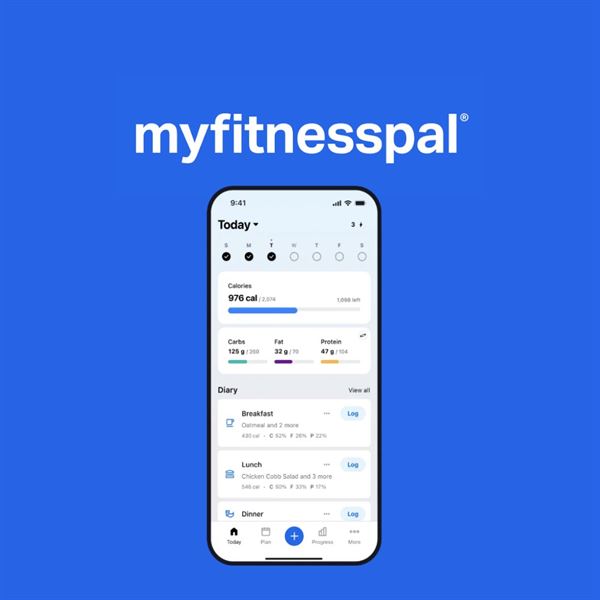
Because of my history with body image issues (my parents seriously sent me to “fat camp,” which you can read about here), I try not to get too focused on numbers on a scale. Instead, I focus more on how I feel, when I’m hungry, what I’m eating, and how much I’m moving throughout the day. I use the app to track my nutrients, water intake, workouts, and overall health. It helps me stay mindful, fit, and accountable for my weekend cocktails and other choices.
MyFitnessPal also syncs with other health apps and devices, so your steps and activity can be factored into your daily tracking. I love that it includes nutrition info for so many foods and restaurant meals, even the calories and carbs in something like my favorite Indian dish, chicken tikka masala.
Download MyFitnessPal here.
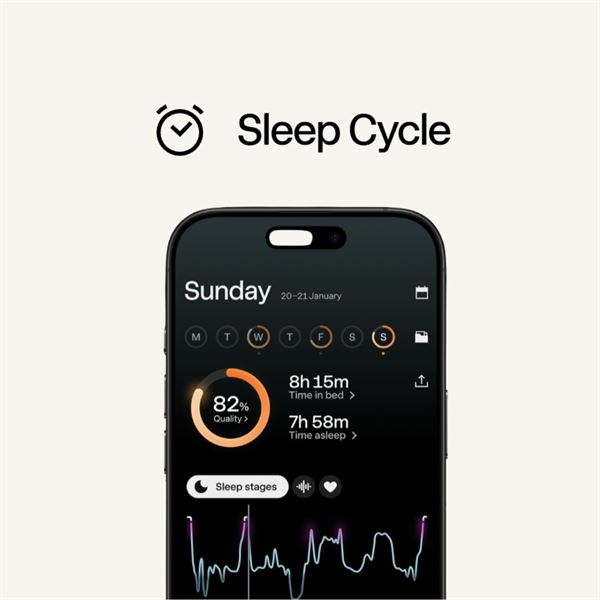
There’s nothing more important to our overall health and well-being than sleep. If you’re not getting enough, your body has a harder time recovering, balancing hormones, and keeping everything running the way it should. One of the best ways to improve your sleep is to understand what’s actually going on while you rest.
Sleep Cycle tracks your sleep quality and patterns, giving you insight into how well you’re really sleeping. It can also monitor things like disruptions during the night and trends over time.
One of its best features is the smart alarm, which wakes you up during your lightest sleep phase so you feel more rested and ready to start your day.
Download Sleep Cycle for free here.
My neuromuscular disease, Charcot-Marie-Tooth (CMT), is slowly progressive and affects my peripheral nerves. While there’s currently no cure, I truly believe that staying active and maintaining a strong core has helped me manage symptoms and slow progression.
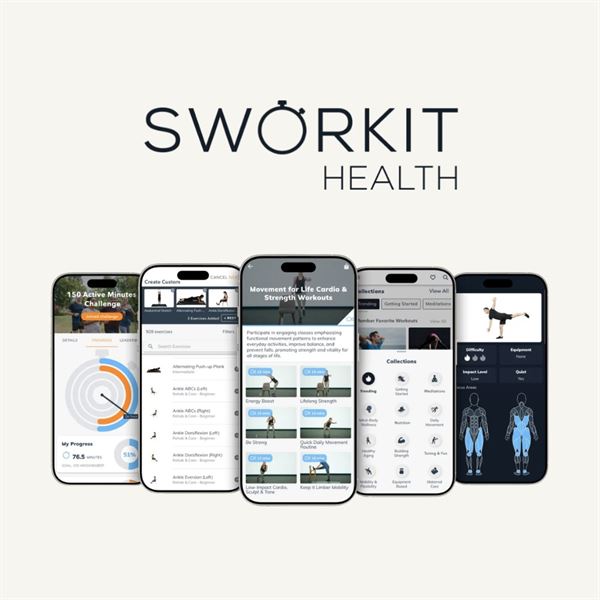
I’ve always enjoyed small group workout classes, but I also like having options I can do at home. That’s where Sworkit comes in. It offers a wide variety of workouts that can be adjusted based on your needs and ability level, which makes it especially helpful for people with disabilities.
One of the things I love most is the flexibility. You can choose the type of workout, how long you want it to be (even just a few minutes), and the app builds it for you. Whether it’s strength, cardio, or Pilates, it makes it easy to stay consistent without overcomplicating things.
You can download Sworkit here.
Living with chronic pain can feel overwhelming at times when searching for relief. Many people explore options like CBD or medical cannabis, but with so many choices, it can be hard to know what actually works for you.
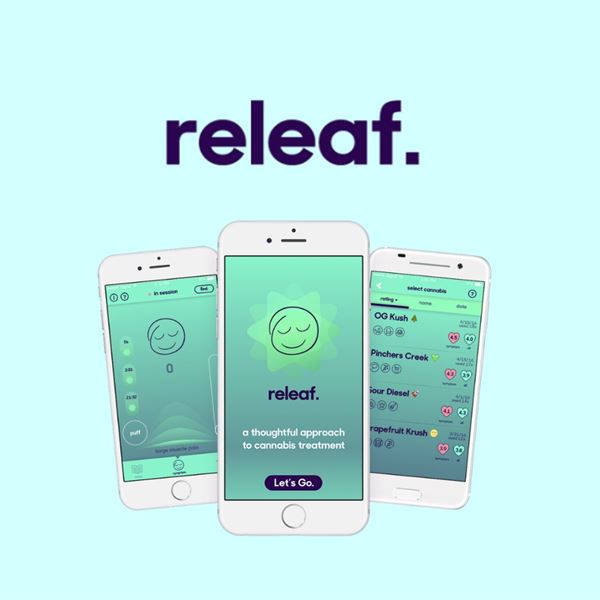
ReLeaf is designed to help you track what you’re using and how it’s affecting your symptoms. You can log different treatments, monitor your results, and start to see patterns over time, which can make it easier to make more informed decisions.
It’s a helpful tool if you’re trying to better understand what brings you relief and what doesn’t. Download ReLeaf here.
The “I’m Not Typing Today” Apps
Google Voice is a helpful tool that makes it easier to manage calls and messages across all your devices. It’s especially useful if you prefer hands-free options or want everything in one place.
You can send texts, make calls, and check voicemail using voice commands or from your computer, tablet, or phone. It’s a great option for anyone who has difficulty using their phone for long periods or just wants a more flexible way to stay connected.
When you sign up, you’ll get a phone number that works across your devices, or you can connect it to your existing number, depending on what works best for you.
Download Google Voice here.

This is a really helpful app designed to support people who are deaf or hard of hearing when communicating by phone. Voice calls can often feel one-sided, but this app helps bridge that gap by using voice recognition to provide a real-time transcript of what the other person is saying.
It makes conversations much easier to follow and can take some of the stress out of phone calls. Pretty cool, right?
Download Roger Voice here.
If you’re not already using Siri constantly, this is your sign to start. Sometimes the smallest things, like sending a text or setting a reminder, can feel like way more effort than they should.
Siri lets you handle everyday tasks just by using your voice. You can make calls, send messages, create reminders, ask questions, play music, or even control smart home devices without lifting more than a finger. For anyone dealing with pain, fatigue, or limited hand strength, that kind of convenience can be a game-changer.
Siri comes built into Apple devices, so you may already have one of the most helpful accessibility tools sitting right in your pocket.
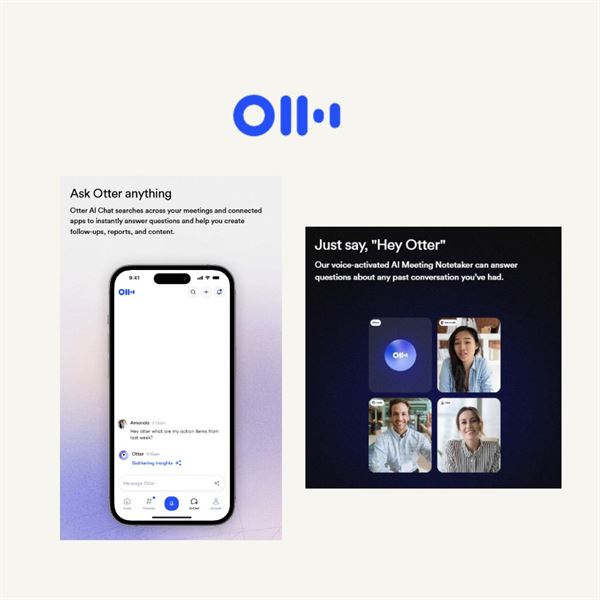
Sometimes your brain is moving faster than your hands, and that’s where Otter.ai comes in. It’s a helpful app that turns spoken words into written text in real time, which can save a lot of frustration.
You can use it for notes, meetings, interviews, brainstorming, or anytime typing feels like too much. Just talk, and the app does the writing for you. It can also organize transcripts and make it easier to go back and find what you said later, which is especially helpful on brain fog days.
Download Otter.ai here
The “Why Is Typing So Hard?” Fixes
18. AssistiveTouch
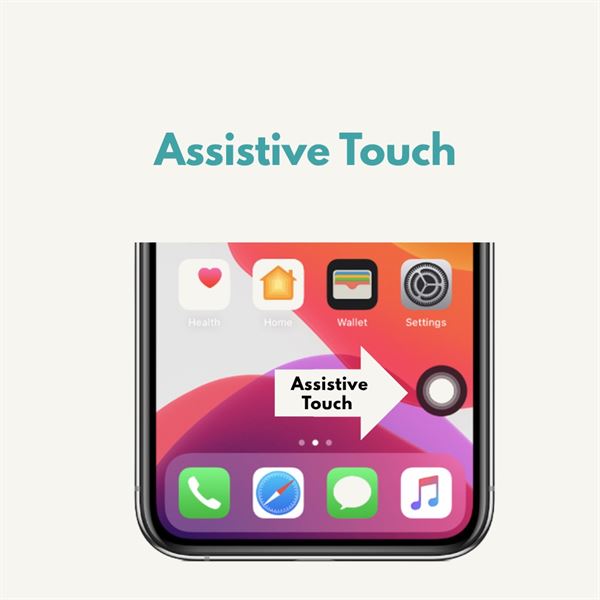
AssistiveTouch is a built-in feature on most smartphones that can make everyday tasks a lot easier, especially for those with limited mobility or dexterity. It helps with things like tapping, swiping, and even accessing features like Siri without needing to use physical buttons as much.
You can customize AssistiveTouch to fit your needs by setting up single taps, double taps, or long presses to perform different actions. You can even create your own gestures, which is pretty amazing when you think about it.
If you want to turn it on, you can find it in your phone’s accessibility settings, or simply ask Siri or your device assistant to enable it for you.
19. GBoard
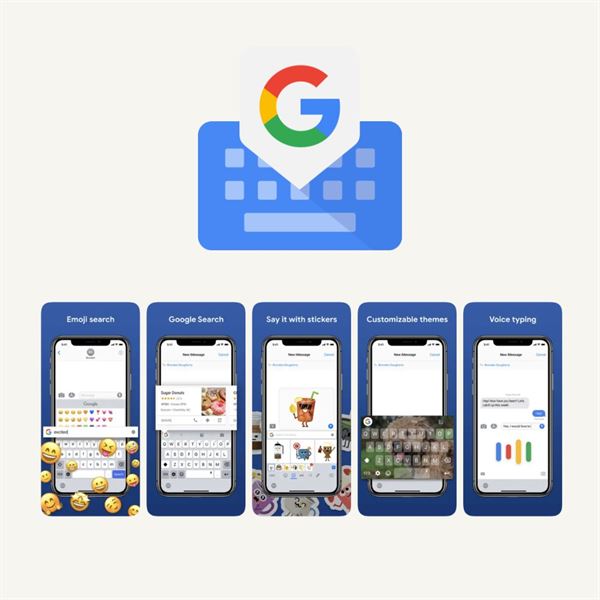
Typing on a phone can be annoying on the best of days, and even more so when you’re dealing with pain, stiffness, or hand weakness. That’s one reason Gboard is worth having.
Gboard offers features like voice typing, glide typing, larger keys, and one-handed mode, all of which can make using your phone feel easier and less frustrating. It also learns your habits over time, which helps speed things up and cut down on mistakes.
It’s one of those simple apps that can make everyday tasks a little smoother.
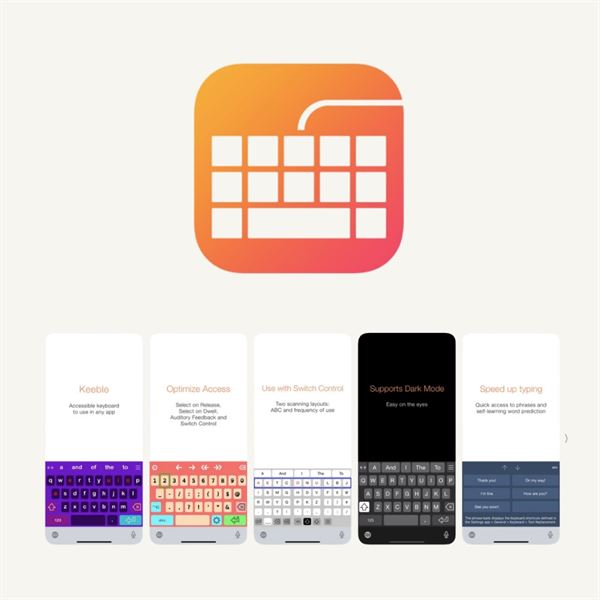
There are a lot of keyboard apps out there, but not many are specifically designed with physical disabilities in mind. That’s what makes Keeble stand out.
Keeble was created to help people with motor challenges type more easily and accurately. It includes customizable layouts, word prediction, and features that reduce the effort needed to type on a touchscreen. For anyone who finds standard keyboards frustrating, it can be a much better fit.
Sometimes the right keyboard really does make all the difference. Download Keeble here.
The “Take Care of My Brain” Apps
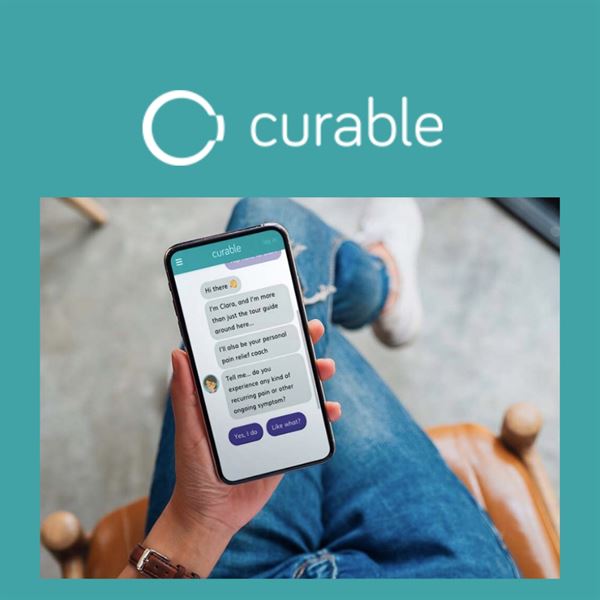
Curable is like having a reassuring best friend in your back pocket. Her name is Clara. Clara, the virtual pain coach, interacts with you through text messages, activities, resources, and even a little humor along the way. The app was created by people who understand chronic pain themselves, which is why it really feels like you’re interacting with someone who gets it.
Using pain psychology and a biopsychosocial approach, the app helps users better understand and manage their pain. When you begin, Clara asks a series of questions to learn more about your experience. From there, you’ll get short daily exercises like guided meditations, visualizations, and simple activities to help you manage symptoms in a realistic, doable way.
The free version of Curable offers introductory audio lessons. While it’s not a cure for chronic pain, many people find it to be a helpful tool, and the full version gives you access to more in-depth features if you want to explore further.
You can download Curable here.
We all know how easy it can be to feel down or stuck in negative thoughts, especially when you’re living with a disability or chronic condition. Many of us also struggle with body image and self-esteem. You can read more about my experience with that here.
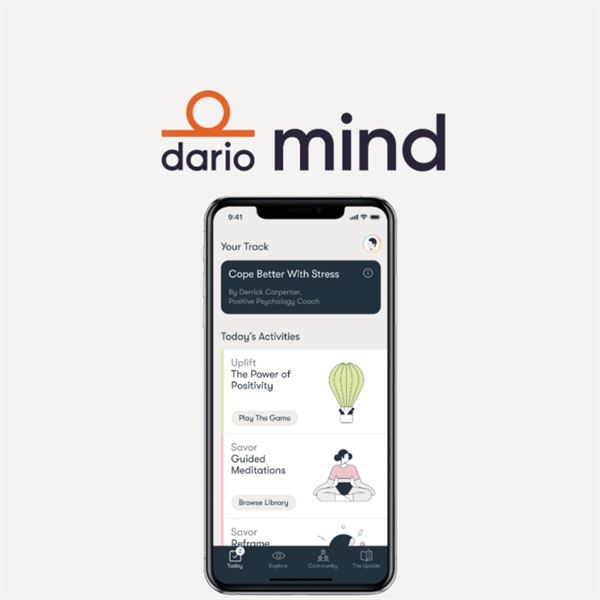
Happify is designed to help shift your mindset in a more positive direction through simple activities, games, and tools you can actually stick with. It combines mindfulness and positive psychology techniques to help you better manage your thoughts and emotions.
When I worked as a therapist, I used many of these same types of techniques and saw how helpful they could be. This app gives you a way to practice them in your everyday life in a way that feels approachable and even a little fun.
Download Happify for free here.
There are a ton of meditation apps out there. I’m not exactly the hippie type, but I do believe in the benefits of breathing, mindfulness, and finding ways to calm down when life feels like a lot.
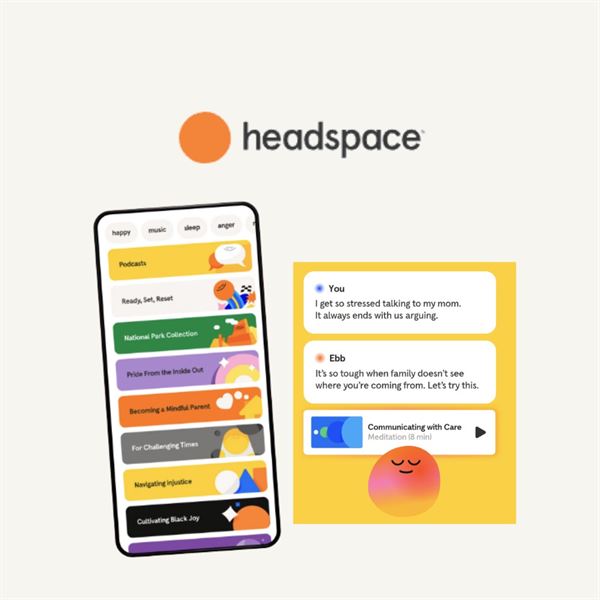
Headspace offers guided meditations, breathing exercises, sleep support, and stress management tools in a way that feels approachable and realistic. You don’t need to become a different person or move to a mountain to use it.
Whether you need help sleeping, relaxing, or just not losing it today, it’s a helpful tool to have around.
Download Headspace here.
The “Read It For Me” Apps
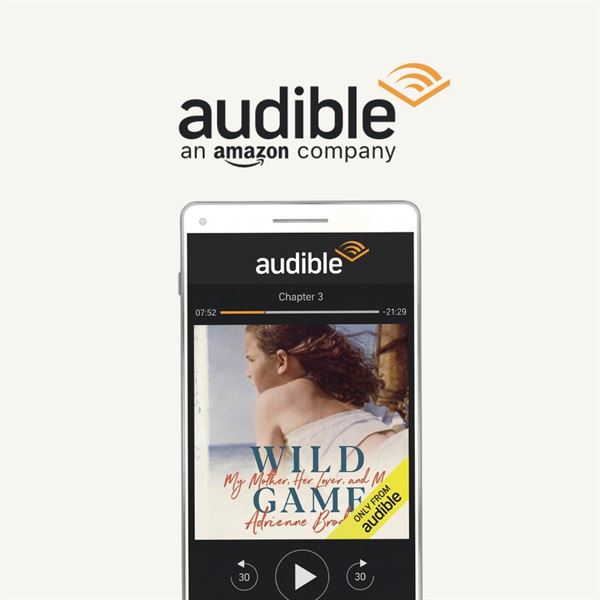
I’ve been in a book club for over 10 years, but I rarely find the time to actually sit down and read. I usually show up for the socializing and wine and then sneak out before the discussion starts. Well, I might finally surprise my book club friends this year thanks to Audible.
Audible’s whole idea is “when you can’t read, listen,” and that’s exactly what I do while driving, running errands, or even in the kitchen. I also use it through Alexa or on my phone, which makes it really easy to listen hands-free. In just seconds, you can download audiobooks, podcasts, and more.
This is especially helpful for people who are blind or visually impaired, but it’s also great for anyone with limited mobility or difficulty holding books for long periods of time.
Download Audible here.
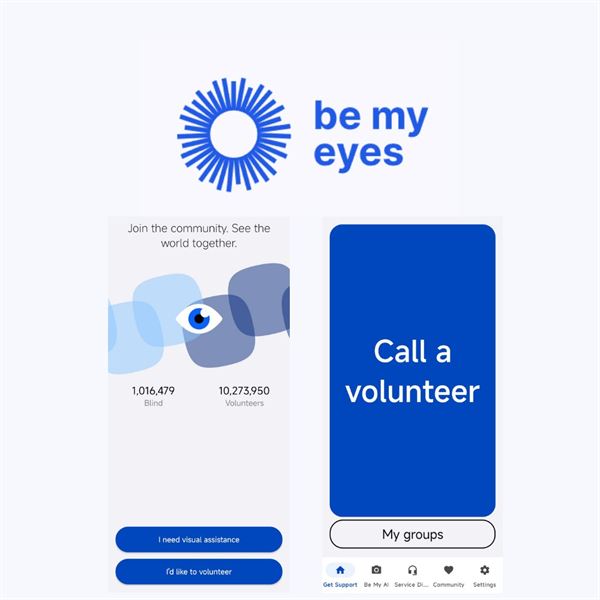
Be My Eyes is a global community that connects people who are blind or have low vision with sighted volunteers. Through a live video call, volunteers can help with everyday tasks in real time.
It’s a really powerful example of how technology and human connection can come together to make life a little easier. Whether it’s reading a label at the grocery store, finding an item, or matching colors while getting dressed, this app provides support right when you need it.
Download Be My Eyes for free here.
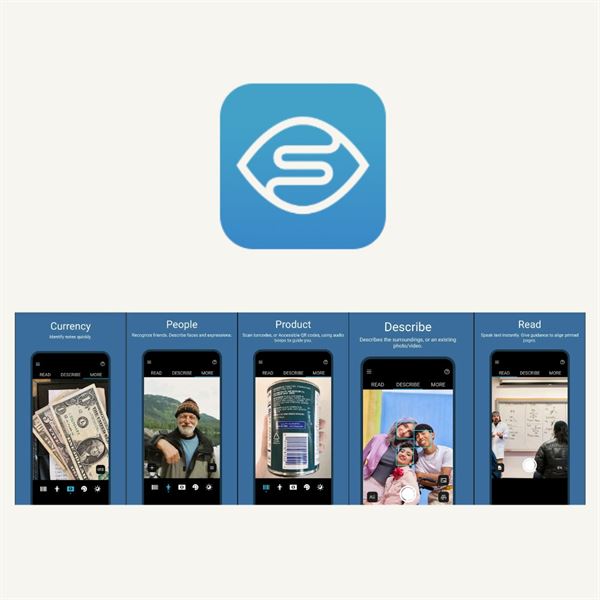
Technology can be pretty amazing, and Seeing AI is one of those apps that proves it. Designed for people who are blind or have low vision, it uses your phone’s camera to help interpret the world around you.
It can read mail, labels, menus, documents, and signs out loud. It can also recognize products, currency, and other everyday items, which can make daily tasks a whole lot easier.
It’s one of those apps that feels less like technology and more like real support. Download Seeing AI here.
The “Real-Time Communication” Appss
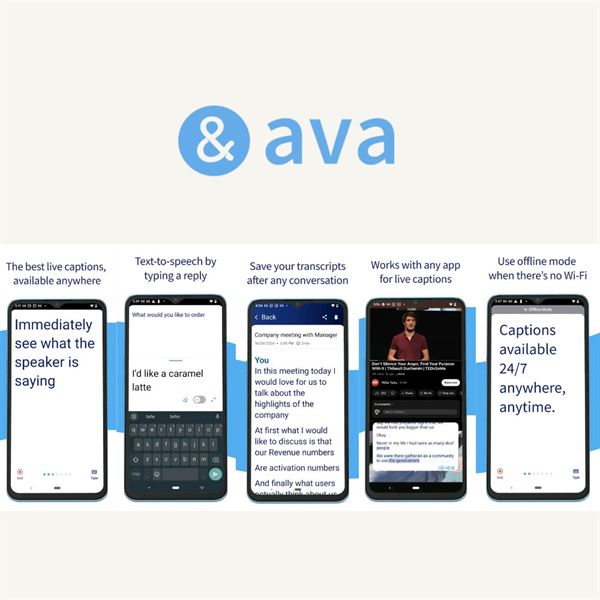
There are a lot of apps that try to help with communication, but not all of them are created equal. One of the reasons I like the Ava app is that it offers real-time captions for conversations, which can be incredibly helpful in everyday situations—especially when you’re dealing with background noise, group settings, or just one of those days where processing speech feels harder than usual.
When you open the app, it listens and transcribes what people are saying in real time, so you can follow along on your phone. It’s especially useful in meetings, appointments, or even casual conversations when you don’t want to keep asking people to repeat themselves. It’s simple, practical, and one of those tools that can make a big difference without a huge learning curve.
Download Ava here.
The Real MVPs (That No One Talks About Like This)
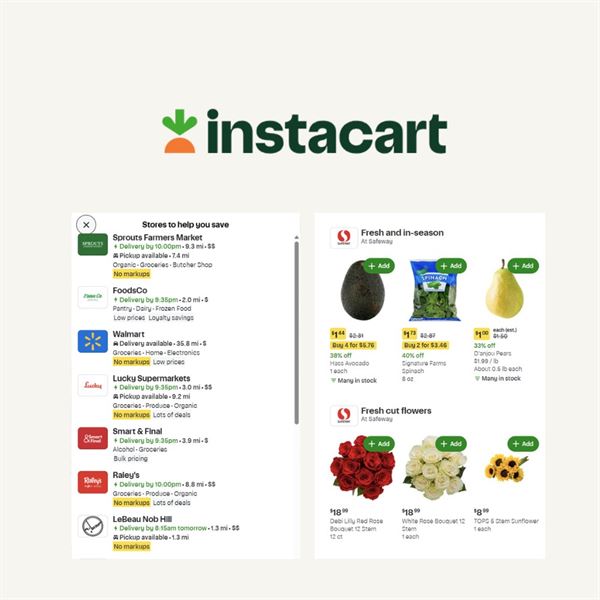
If you’ve read my posts or follow me on Instagram or Facebook, you know I’m not exactly a cook. One of my go-to solutions is grocery delivery. For me, it’s more of a convenience thing, but for others living with chronic conditions or limited mobility, grocery shopping and running errands can be exhausting.
There are quite a few grocery delivery apps out there now, but Instacart is still one of the most widely available and easy to use. You can shop from a variety of stores in your area, and a personal shopper will pick up your items and deliver them right to your door. I also love that you can order from places like grocery stores, pharmacies, and even big retailers all in one app.
Instacart offers both pay-per-order and membership options, depending on how often you use it. While it does cost more than shopping in person, the convenience can be a game-changer, and for some people with disabilities, it can make everyday life a whole lot easier.
You can download Instacart here.
IFTTT, which stands for “If This Then That,” is all about making everyday tasks easier by connecting your apps and devices. While it wasn’t specifically designed for people with disabilities, it can be incredibly helpful for simplifying routines and reducing the need to do everything manually.
With IFTTT, you can create simple automations (they call them “applets”) that trigger actions for you. For example, you can set your lights to turn on when you arrive home, have reminders sent automatically, or connect your smart home devices to work together without extra effort.
It can be especially useful for anyone with mobility challenges, vision or hearing impairments, or anyone who just wants to make daily tasks a little easier.
Download IFTTT here.
Sometimes the most helpful accessibility tools aren’t labeled as accessibility tools at all. Amazon is a perfect example of that.
For people living with chronic illness, fatigue, pain, or mobility challenges, avoiding unnecessary errands can save a lot of energy. With Amazon, you can order household essentials, medical supplies, groceries, gifts, and random things you convinced yourself you needed at 2 a.m., all without leaving home.
It may not have been designed as a disability app, but it can absolutely make life easier.
The “Clean Living / Smart Choices” Apps
I’ve met many people in the chronic illness community who live very natural and organic lifestyles and are mindful of the products they use. While I’m not giving up my Diet Coke anytime soon, I do try to be more aware of what I’m using in my home and on my body.
Think Dirty is designed to help you better understand the ingredients in your beauty and personal care products. You can scan items you already have, and the app will give you a rating based on how “clean” or “dirty” the ingredients are.
It’s an eye-opening tool that can help you make more informed choices about the products you use every day.
Download Think Dirty here.
The “Love & Connection” Apps
With so many dating apps out there, dating can feel overwhelming, especially for people with disabilities. I’ve shared a bit about my own experience navigating dating after divorce, and it definitely comes with its challenges.
Glimmer is a dating app designed to be more inclusive and transparent, especially when it comes to disabilities. It gives you the option to share your disability if you want to, but there’s no pressure to do so. The goal is to create a space where people can connect more openly and honestly.
It’s a refreshing option if you’re looking for something a little more understanding and inclusive than traditional dating apps.
Download Glimr here.
The Truth No One Says Out Loud
The best “accessibility tools” aren’t always labeled that way.
They’re the ones that:
- Save your hands
- Save your energy
- Remove one more unnecessary step And honestly… that’s the goal.
Xoxo
Lainie
This is such a good list! I’d really recommend adding http://www.sociability.app it’s an app that helps disabled people find accessible places in the UK, I often add local village pubs that I am finding that are surprisingly accessible!
This is a fantastic idea all the different apps u have thought of thank u for your time and effort! U did such a awesome job! I do want to give the app I use for reminding me to take my medicine. There is a free version (which I use) but there is a premium version u can pay for. I have been usin this app for over a year maybe 2 and so far for me I haven’t had any limits of meds I can add or how often to adjust thing also there is so many ways to customize it to fit each med so u won’t miss a dose and u can change the color like dark mode to what is best for you and the color for like the alert bar thing, I have it as this green color. I also use it for my animal meds and a reminder to remind family members to take theirs. U can also add to the day so for example say u took some Tylenol at 230pm u can add that and it saves the records of it I belive and then gives u a report for the day if u stayed on track or not also changes color like red if needing to take and grey if skipped and then green to check taken and ir saves the time and date and u can add notes for that dose if needed its been so helpful I think it can help others or at least they can try it and delete if it dont work for them. To be honest its the free thing that hooked me lol but the app is called medicaApp the link is under my comment. Again I want to just say thank you for trend-able i have saved it in my phone and will check it from time to time. 🙂
https://play.google.com/store/apps/details?id=com.irwaa.medicareminders
It is really interesting. Thank you for sharing.
Thanks Lainie! You’re a rockstar! Always appreciate your resources and love the practical experience and knowledge you share.
Independent living and a healthy lifestyle is important for everyone. But your focus on people with disabilities is a much needed focus.
Thanks so much for reading and for taking the time to comment Zen! 💜
Hi Lainie,
I’ve been searching for a disability app for people with MS forever. I am so looking forward to getting in simple, adaptable workouts that I can do w/o getting onto the floor. I used to be an avid 5 Mike per day walker but MS has ruined walking for me. I’m used to being active so I hope this app can help me. Thanks so much for sharing these apps with us. Very helpful! 💜
Lara
Hi Lara,
Thanks for taking the time to comment. There are several people on Instagram with a mass who lead workouts as well. I would highly recommend you search on Instagram for MS Pilates. I hope this is helpful. Lainie
Thank you so much for these. After an injury in 2018 that left me disabled I have gained so much weight because I can’t exercise like I used to. I am in pain all the time, and because both my legs are damaged trying to do anything risks further injury so apps that have been used by others with chronic pain and disabilities make me feel safer when trying them. I also have PTSD having been hit by cars 3 times now so keeping my brain under control is also a big thing for me and the mindfulness apps look fantastic. Thank you, thank you, thank you.
Hello, I am 52 years old & have been diagnosed with CIDP. In 2005 I weighed 345 & had the stomach stapling gastric bypass. The surgeon decided not only to remove my gallbladder but to remove the unused portion of my stomach and 3/4 of my large intestine causing me to have paralysis from the knees down and from the elbows to my fingertips. I could not move at all, I was in a wheelchair but found a Neurologist who gave me a diagnosis called CIDP. when he entered my room he threw my chart on the bed and said he didn’t have to read it He knew my diagnosis was caused from the gastric bypass because he had hundreds of patients who repair lives from the neck down from the same procedure.
He started me on Home IVIG treatments which brought back a tingling sensation in my limbs although I will always have to wear my leg braces with the usage if a cane and my wheelchair. In 2095 I fell over 300 times which caused me to break my upper left arm, my right ankle twice, eight toes & cracked ribs. But I still fell all the time because I snapped the tendon in my right foot therefore I just had surgery where they put six pins in my foot and four pins in my second through 5th toes because they were considered hammer toes. I’m unable to do anything right now because the surgeon was very adamant that I bear no weight on my right leg so I’m in a cast for 3 months. After that I will starr therapy to learn to walk with that leg along with my leg brace. after I heal the plan is to do the same thing with my left foot repairing for hammer toes only. So being very limited I am laying around watching TV and eating all the time which is causing me to gain weight which I do not need to do. My weight went from 345 down to 119 which was too low therefore everyone was noticed my sagging skin, told me I looked anorexic, that I needed to regain some weight and now I’m back at 145. It seems like all I do now is sit or lay around watching TV and eating all day and night. I cannot afford to keep gaining weight therefore I desperately need all the advice and instructions I can get on various things I can do as far as exercise and tips on how to quit eating all the time. Any advice and instructions are gratefully appreciated so I look forward to hearing from anyone. Thanks, Paula Lock, pdlock50@yahoo.com
Check if your public library offers downloadable ebooks or audiobooks via an app called LIBBY which you get from the Apple store or Google Play. Download books to Kindle, PC or your phone. My library lends audiobooks for 3 weeks (plus you can get 2 extensions of 3 weeks each if no one else is waiting). The items disappear on the due date. No fees, no dropping items at the library. Audiobooks on my phone help me enjoy treadmill walking, statonary bike, ironing, or exercising. Recent favorite was John McCain’s “Restless Wave”. All you need is a library card (also free in most places) to set up the app.
Hi,
Happy Thanksgiving & thanks for your great suggestion! Lainie
I’m really looking forward to the fitness apps. I haven’t really exercised in the past six years in case I had an “accident”. I had purchased a day pass from my local YMCA and tried the yoga. All was going well until I did the seated spinal twist. I was wearing hot pink leggings and a disposable diaper so I thought I’d be safe. Nope! I let loose a fart that smelled like a nuclear bomb and sounded like the beginning of World War three. The diaper overfilled and my hot pink pants had a stain in my backside. I ran to the women’s change room, showered, got dressed and walked home. I was petrified of having another accident so I walked for over an hour, christening and bushes that were along the way. I still haven’t shown my face at that particular YMCA.
Pauline,
That is an awful story. I’m so very sorry that happened to you & I get how embarrassing this must have been. I hope the at home fitness apps help but you should not give up on classes. Maybe, give up hot pink pants though ?
Thanks for the suggestions. Some really great ideas that I will definitely try.
Hi Anne,
Thank you for your email and I am glad you like the post. I hope you will subscribe to the blog. Thanks for reading ? Lainie
Bless you Lainie, what a great list. Love #11!
I am a multiple condition, severe chronic pain patient. EVERY little thing helps. Thank you from the bottom of my heart.
Hi Brent,
I really hope you get some relief from the chronic pain app and thanks so much for taking the time to comment. Happy Thanksgiving! Lainie
I am intrigued and glad the Neuropathy Foundation linked on to you. I’ll come back to your site again. My first impressions, however:
I do not have a cell nor I-phone and many of the suggestions seem to imply COST!. I am unable to incur any more costs.. like Lyft and Uber where I would be more inclined to find my County’s low cost or free via-volunteer drivers. Or try to “shop” at Food Banks. You see where I’m going. But thanks for the ideas, anyway.
Hi Chloe,
I hear what you are saying & appreciate your email. I’m glad you are in touch with the low cost supports where you live. Yes, the post was on apps so directed at phone users mostly. Thanks for reading . ?
Almost all apps work equally well on low cost tablets.
This is true. Thanks so much Harry!
I have peripheral neuropathy, partly due to gluten intoerance. Find Me Gluten Free is a great help for me, especially when we travel. I am enjoying your site.
Hi Nancy,
Thanks for that resource and for being here! I hope you subscribed ?
Hi Nancy, I hope you got my response.
Forgot to ask where did you get the shoes you have on in the intro.
I just found you and so glad I did. I thank you for your checking out shoes, clothes and accessories, I have been very depressed looking for shoes. Thanks again for all your help.
Hi Judy,
I am sorry to just be responding now, I actually just saw your message. Thank you so much for taking the time to , and four reading and following.
I totally get feeling depressed about having to wear ugly shoes and that’s why I am so into passing on the tips at work for me. The shoes that you see pictured, we’re by rebecca Minkof I totally get feeling depressed about having to wear ugly shoes and that’s why I am so into passing on the tips at work for me. The shoes that you see pictured, we’re by Rebecca Minkoff & were from last fall. I did take out the insole. I’m pretty sure they don’t sell them anymore, but you can probably find them on eBay. Again, I really appreciate you writing and I hope you continue to follow. Xoxo
I LOVE this also Fabulous has been a favorite app of mine.
Thanks so much Monica! I’m gonna check out Fabulous. ?
Love these suggestions! I’m gonna go download Happify and Think Dirty and give them a try! Thanks!
Jana,
Thank you for reading & commenting. My daughter is obsessed with the Think Dirty app. ?
Jana,
Thank you for reading & commenting. My daughter is obsessed with the Think Dirty app. ?
You are go good at keep us connected, Lainie! Downloaded Swokit and Stop, Breathe, Think. lad your presentation went so well.
Hi Cyndi,
Thank you for again taking the time to read & comment. I know life gets busy and I appreciate your time & support. Yes, I hope to do more of them. Want a side job as a booking agent ? ??
Thanks ! These look like some great apps to try. I’m definitely checking out the Dirty one as well as the pain one. Thanks for all your hard work .
Thanks Lisa, I hope you like them. I would love to know what you think of the Curable one.